Remote control
Connect from the browser, desktop or phone. Hosts approve requests or verify a password; screen and input use encrypted direct P2P.
 nestlink中文
Connect to your computers and publish local services through your own server. Keep devices, sessions and tunnels in view.
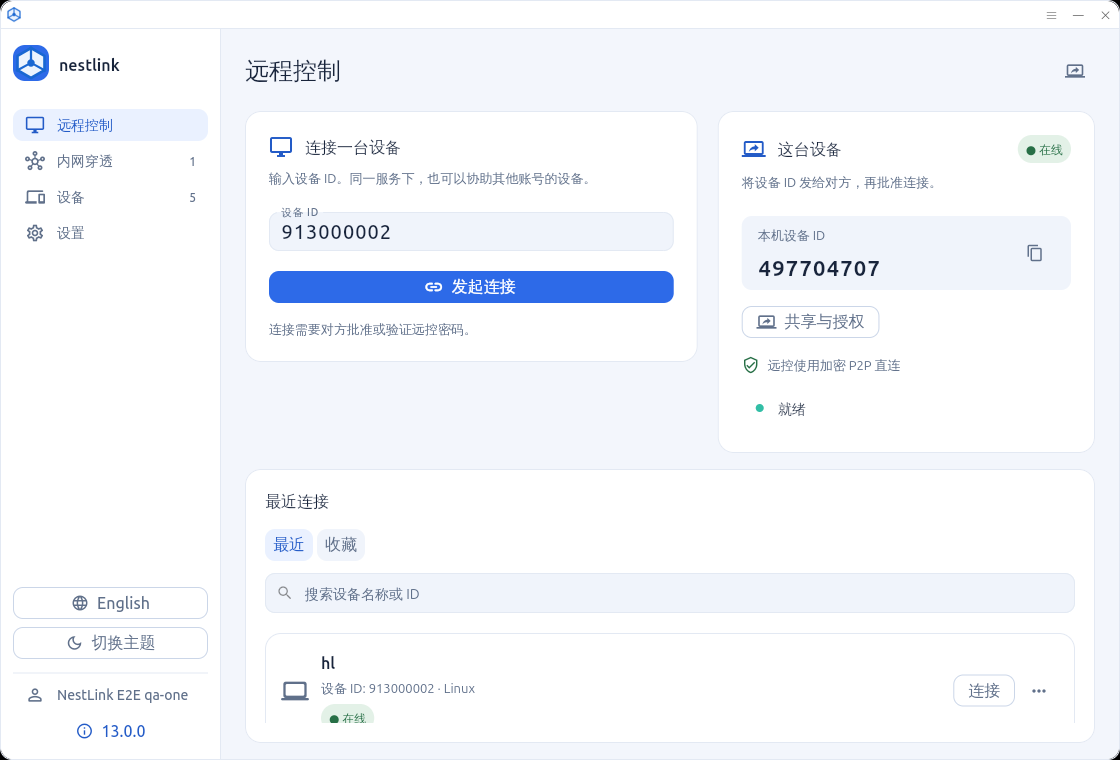
Connect from the browser, desktop or phone. Hosts approve requests or verify a password; screen and input use encrypted direct P2P.
Windows and Linux publish HTTP/HTTPS, TCP and UDP services with FRP. Tunnel lifetimes are managed separately from remote sessions.
Sign in once to retrieve service settings. Manage device access, account limits and sessions from the same control center.
| Web | Self-hosted server · management & browser remote control |
|---|---|
| Windows x64 | Remote control, hosting & tunnel hub |
| Linux x64 / ARM64 | Remote control, hosting & tunnel hub |
| Android ARM64 / x86_64 | One APK · management & remote control |
Yes. Install the Web server and sign in from each app. Service settings are retrieved after login.
Yes. Select a Windows or Linux device or enter its ID. The host must approve the request or verify its remote password.
The session ends with a clear error. There is no media relay fallback; independent FRP tunnels have their own lifecycle.
One universal APK includes ARM64 and x86_64. The existing application ID and release certificate are preserved for upgrades.
13.0.0 · stable release
Automated checks and reproducible integration passed. Physical Android devices, carrier networks and long-duration media were not run and remain unverified. Release notes ↗